
This content type is used to publish a PDF resource to the page (a Drupal 'view') Cobweb corner.
There following fields are associated with this content type:
- Title
- Author
- File for download
- Front page image
Use the title field to specify the text that will appear above the image of the cobweb corner resource.
Set the author field to the name of the author(s) responsible for creating the resource. We don't currently display this the Cobweb corner view (the authors are normally credited in the actual PDF), but we may do at some future point.
Under the file for download field, ues the add media to select a PDF file. If the file is already in the file media library (unlikely) you will be able to find it and select it in the dialog which appears. But normally you will use the browse button from this dialog to locate the new PDF file for upload and, once it is uploaded (which takes a few seconds) use the save and insert button to add the PDF to your new cobweb corner resource. (This is all very similar to selecting an image - see below and on the general content creation help page.
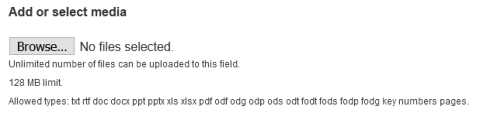
Under the front page image field, you must provide an image for the resource which appears on the main cobweb corner page. Most commonly this will be an image of the first page of the leaflet. Add your image using the add media button. This is very similar to the process of adding image to body content (but without the complication of specifying how it is to be displayed). So for further help on selecting images, see the section 'Adding images to the body field' on the general content creation help page.